> For the complete documentation index, see [llms.txt](https://docs.apolo.us/index/llms.txt). Markdown versions of documentation pages are available by appending `.md` to page URLs; this page is available as [Markdown](https://docs.apolo.us/index/apolo-console/apps/installable-apps/available-apps/apache-superset.md).
# Apache Superset
**Apache Superset** is a modern, enterprise-ready business intelligence web application for data exploration and visualization. Designed for scalability, extensibility, and ease of use, Superset supports a wide range of SQL-speaking databases and enables teams to create rich dashboards and interactive charts without writing code. Built with a lightweight architecture and a user-friendly interface, Superset is ideal for organizations seeking powerful, open-source BI tooling.
#### Key Features
* **Interactive Data Exploration:** Drag-and-drop interface for slicing, filtering, and visualizing data across many chart types.
* **SQL Lab:** A powerful SQL IDE with autocomplete, syntax highlighting, and multi-tab support for complex query workflows.
* **Rich Visualization Library:** Dozens of built-in visualizations including bar, line, pie, time series, Sankey, heatmap, and geospatial charts.
* **Access Control & Security:** Role-based access, row-level security filters, and integration with enterprise auth systems (e.g., OAuth, LDAP, SSO).
* **Scalable & Performant:** Designed to handle large datasets with support for asynchronous queries, caching layers, and database-agnostic scalability.
* **Customizable & Extensible:** Built on Flask and React; supports plugin development, custom visualization additions, and API access for automation.
#### Installation and Deployment on Apolo
You can deploy Apache Superset on the Apolo platform using the **`Apache Superset`** app. Apolo automates resource allocation, persistent storage, ingress, and environment variable injection, so you can focus on your data and dashboards.
**Highlights of the Apolo Installation Flow**:
1. **Resource Allocation**: Choose Apolo presets (e.g. `cpu-medium`, `cpu-small`) for the Web UI, worker, and Redis. Superset is a CPU workload.
2. **Ingress Setup**: Enable an ingress to expose Superset’s HTTP endpoint for external access.
3. **Integration with Postgres**: Bring your own Postgres instance, or let Apolo deploy a dedicated one within the app by selecting a preset.
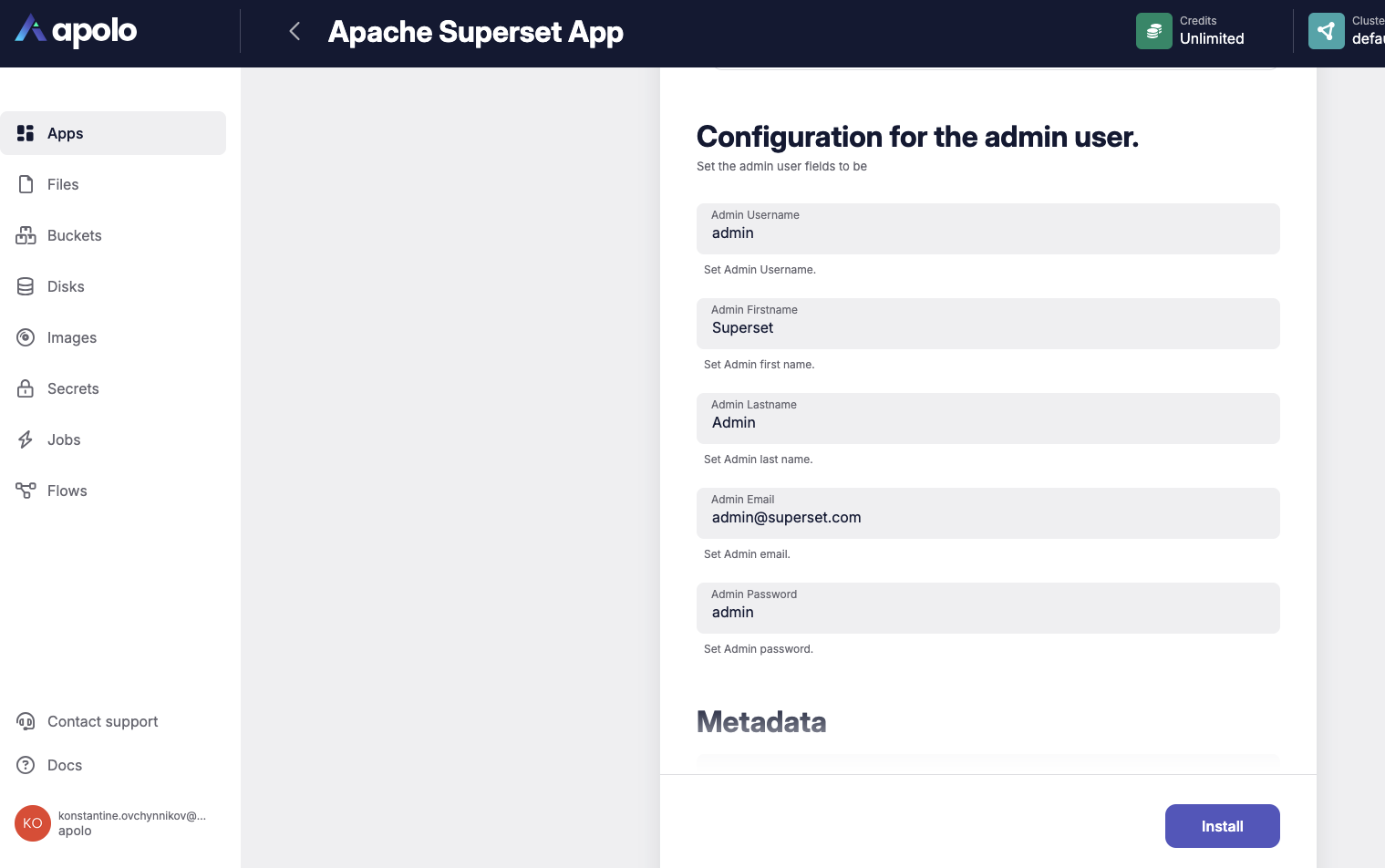
4. **Configuration for an admin user**: Configure the admin credentials for Web access.
***
## Apolo Deployment
***
### Web Console UI
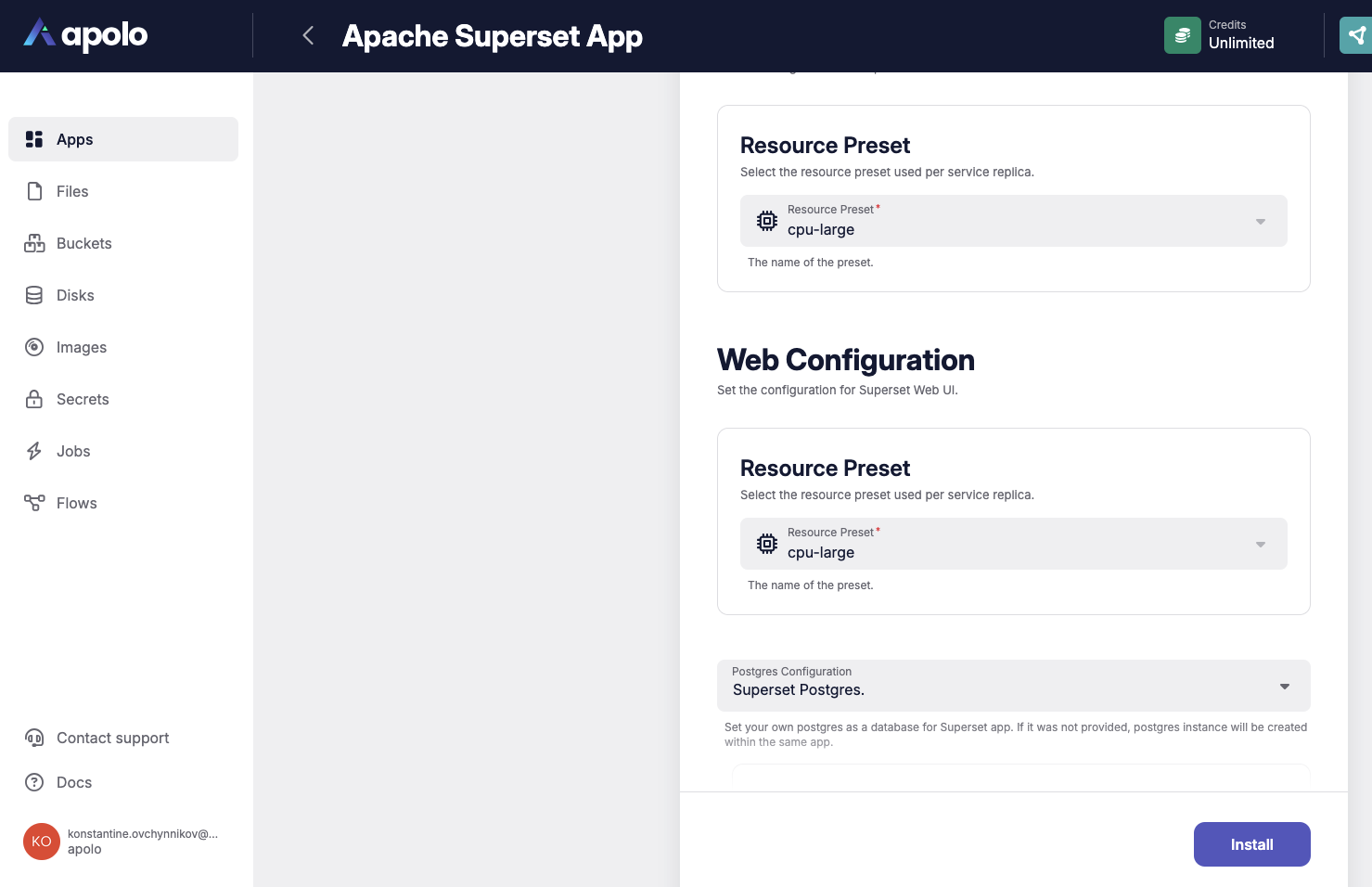
Step1 - Select the Preset you want to use for Web UI
Web superset configuration
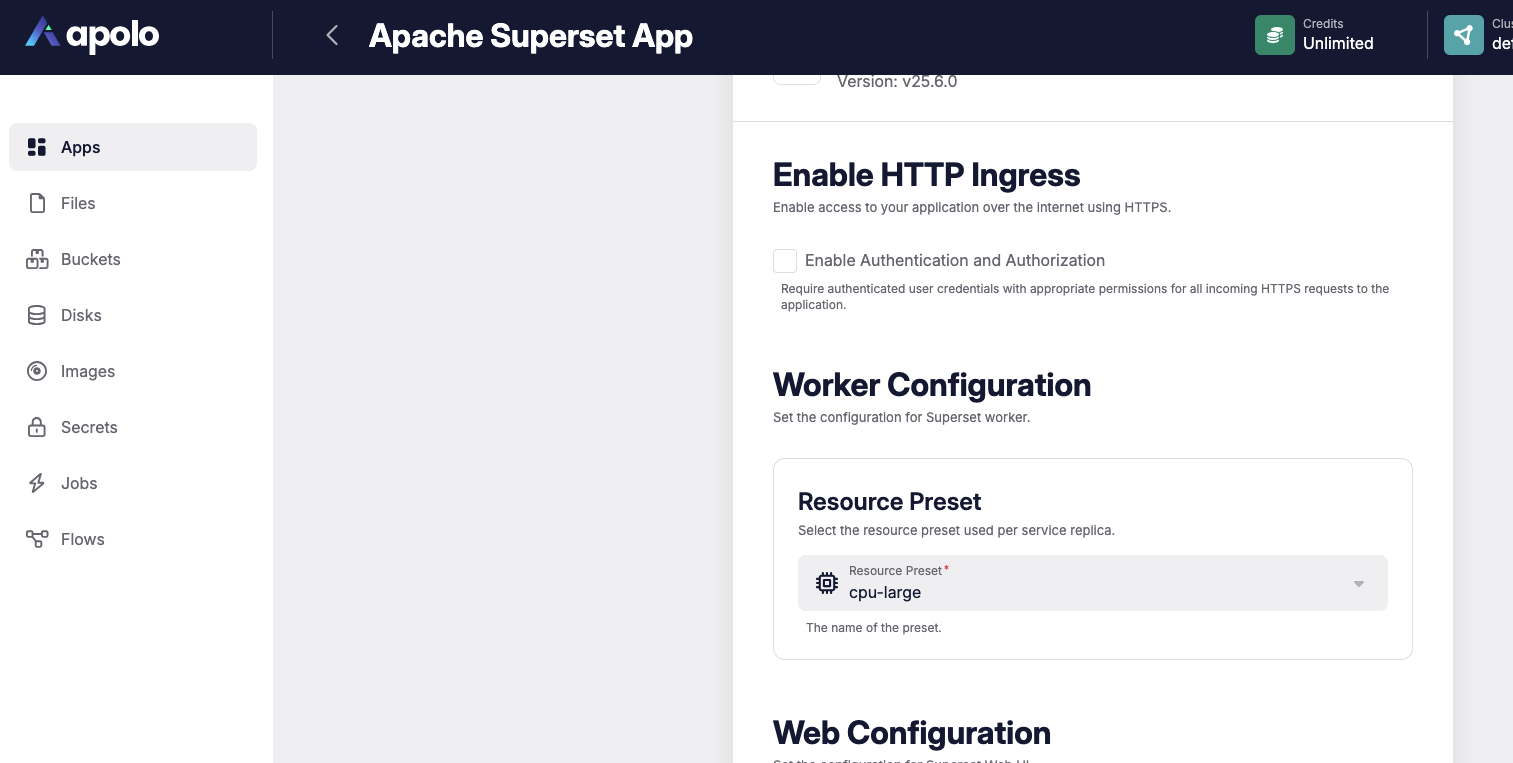
Step2 - Select the Preset you want to use for Superset worker
Superset Worker Configuration
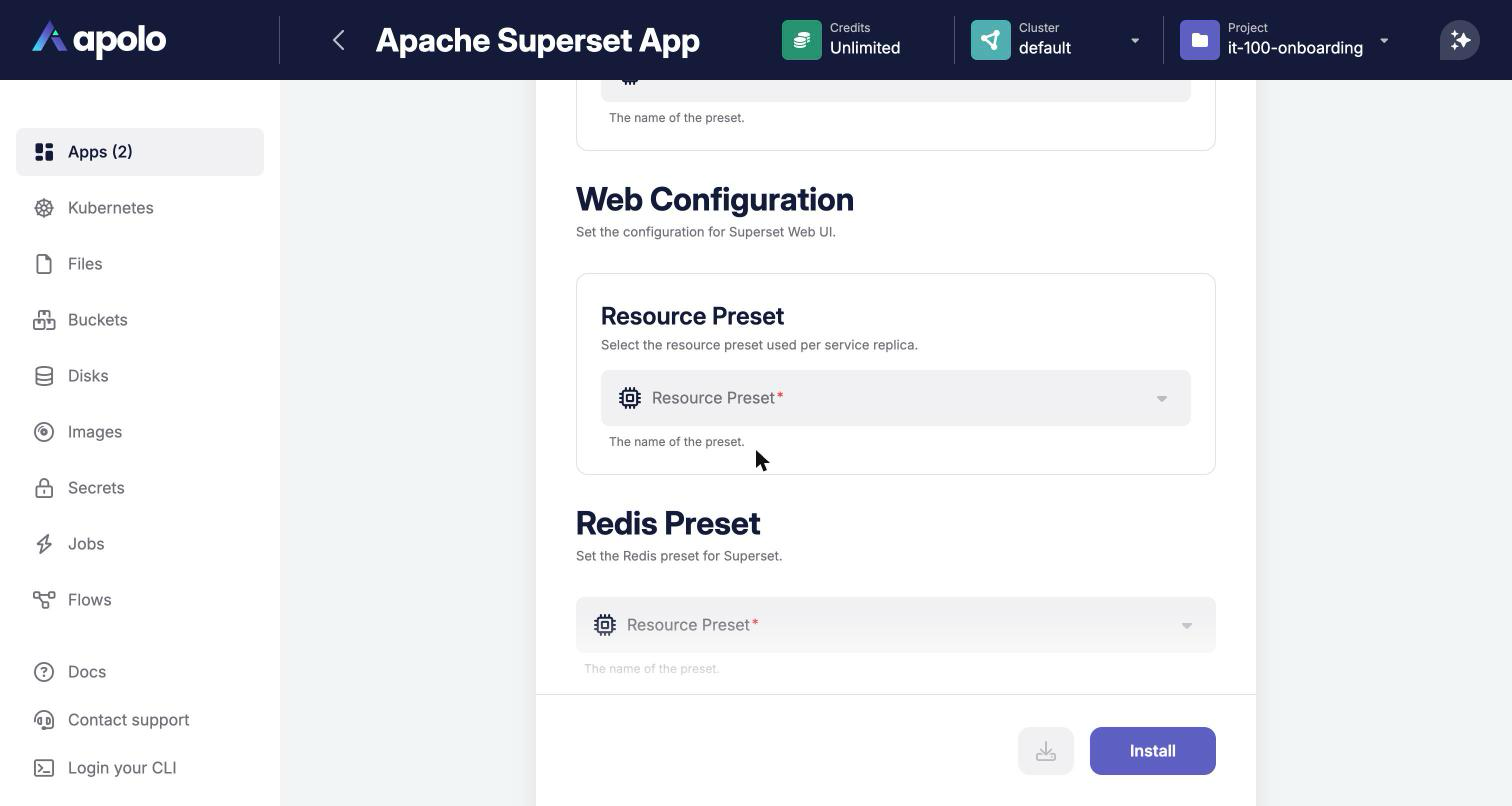
Step3 - Select the Preset you want to use for the Redis instance
Superset Redis Configuration
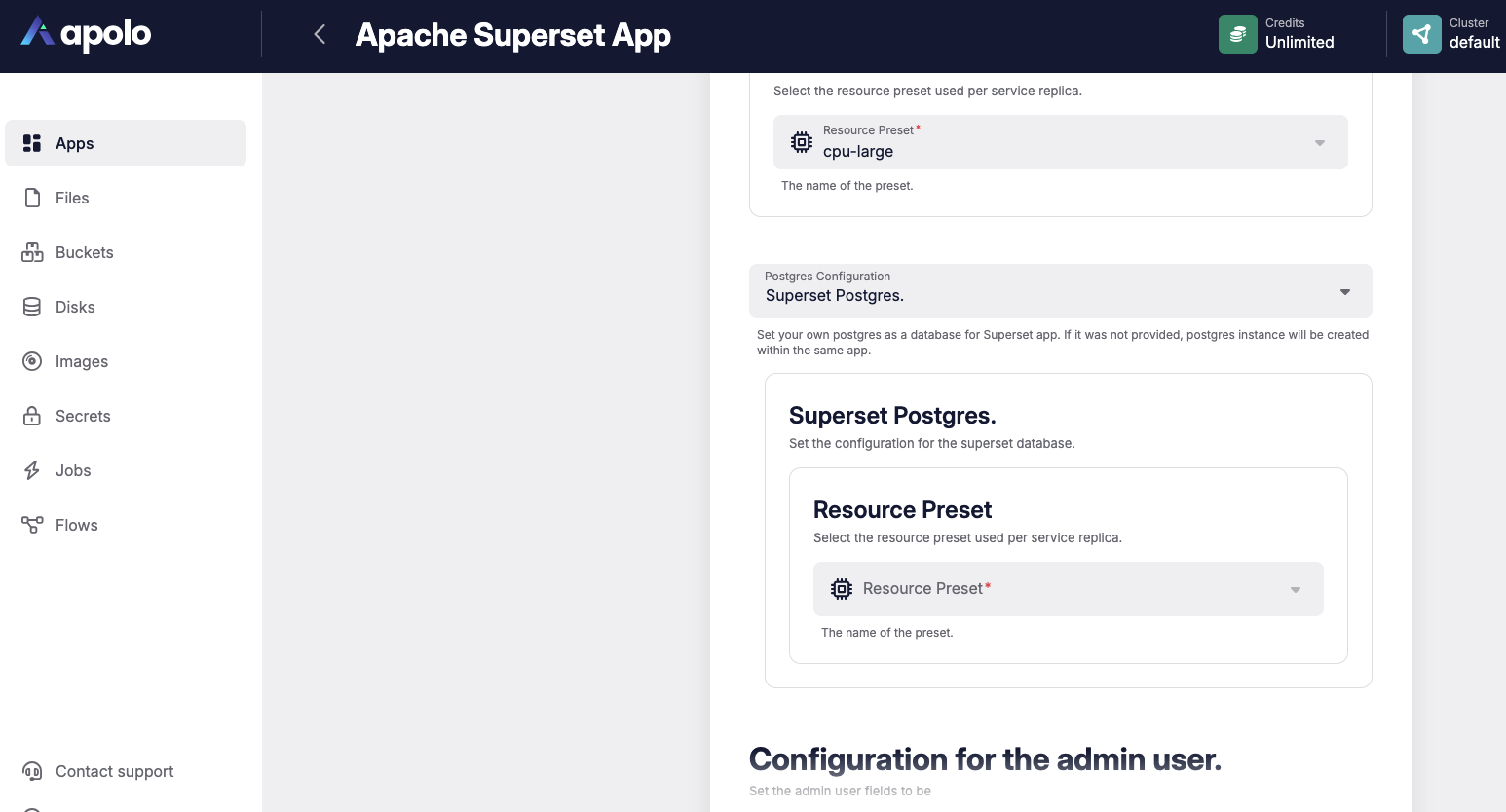
Step4 - Choose if you want to connect your Superset app to an existing Postgres database, and connect it with url, or you want to deploy with Superset Postgres (will be created automatically)
Step5 - Admin user configuration
Admin configuration
***
### Usage
After installation, you can utilize Superset for data visualization workflows and you can access it directly from your browser. To view and manage installed instances of the Superset app:
1. Go to the **Installed Apps** tab.
2. You will see a list of all running apps, including the **Superset** app you just installed. To open the detailed information & uninstall the app, click the **Details** button.
Once in the Details page, click the **Open App** button at the top of the page to launch the application in a dedicated browser window.
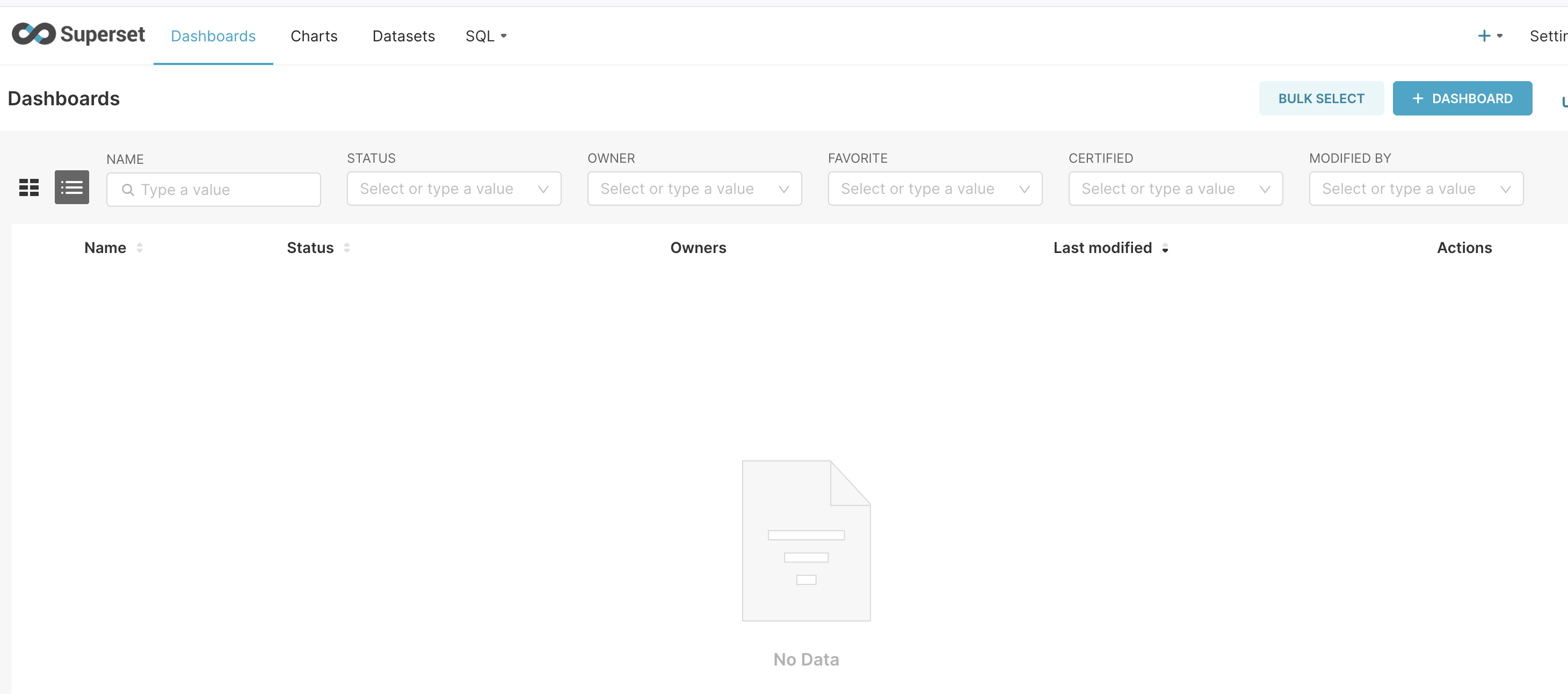
Connect the data sources, build charts, and dashboards.
### References:
* [Apache Superset Documentation](https://superset.apache.org/docs/intro)
* Apache Superset Cli installation
* [Apache Superset source code](https://github.com/apache/superset)
* [Managing Apps](/index/apolo-console/apps/installable-apps/managing-apps.md)
* [App Cli documentation](/index/apolo-concepts-cli/apps.md)